What should a host stand do when the waitlist app or Wi-Fi goes down mid-service?
Every host stand eventually loses its internet, its tablet, or its software at the worst possible moment. A backup plan you can run from a clipboard and a phone.
The three failures and which one you actually have
When the stand goes dark, the first job is to figure out what broke, because the fix is different for each case. If the tablet still shows the app but nothing updates, the Wi-Fi or the building's internet is likely the problem. If the tablet itself is dead or frozen, it is a device problem. If the internet works for everything except the waitlist tool, the tool's service may be having an issue. Thirty seconds of checking saves a half hour of the wrong workaround.
The quickest test is a second device. A host's phone on cellular data can open the same waitlist tool; if it works there, the building connection is the culprit and you can run the list from the phone or a hotspot until it returns. If the tool fails on cellular as well, assume the service is down and switch fully to the paper plan. Know in advance where the router is, who is allowed to restart it, and what your internet provider's support number is.
Keep reading: How do you text guests the moment their table is ready reliably?, How do you quote accurate wait times so guests are not frustrated?, How do you manage a restaurant waitlist during a packed weekend rush?. See how TablePingr helps you guest table-ready sms paging for restaurants.
The paper plan, ready before you need it
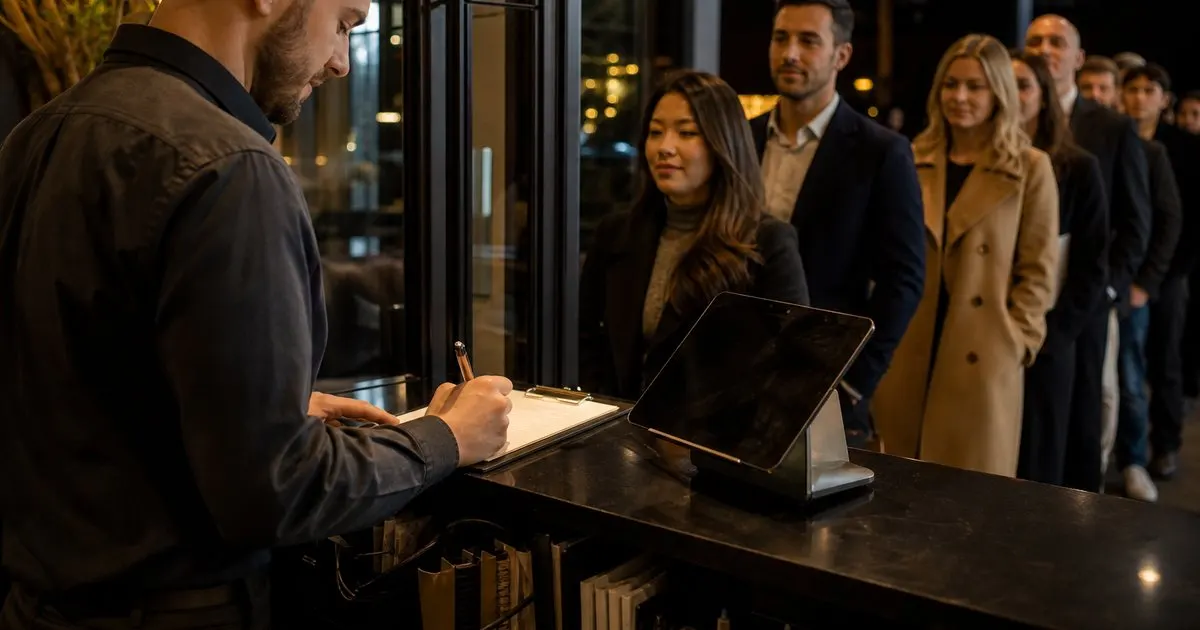
Keep a printed backup sheet at the stand at all times: columns for time added, name, party size, phone number, preference, quoted wait, and time seated. Keep a pen clipped to it. The moment the app is unavailable, the host announces to the other hosts and the manager that the stand is on paper, and every new party goes onto the sheet. Do not try to keep half the list in the app and half on paper; pick one source of truth until service returns. Related: How do you quote accurate wait times so guests are not frustrated?
If the outage happens with a full list already in the app, the first move is to write down every party currently waiting, in order, from whatever is still visible on the screen or from memory of who is in the lobby. A host who has been running the list usually knows the top ten parties by name. Read them aloud, get the lobby to confirm, and rebuild the sheet. It is a scramble for a few minutes, and then it is just a paper waitlist, which restaurants ran for decades.
Paging guests without the app
If your text paging runs through the waitlist tool, an outage means the table-ready texts stop. The fallback is a staff phone. Send a plain text message from a designated phone to the guest's number, using the number on the paper sheet, with a short, consistent wording. Save a template in the phone's notes so it can be pasted. Tell guests at check-in during the outage that the text will come from a different number than usual so they do not dismiss it. Related: How do you text guests the moment their table is ready reliably?
For guests who are inside, go back to calling names, and do it from a spot where the lobby and the bar can both hear. Keep the paging window the same as usual so the rules do not change on the guests. If a text and a name call both fail, walk the room once before releasing the table; during an outage, guests who saw the tablet go dark tend to stay closer, and a quick lap often finds them. Related: Why should a restaurant ditch physical pager buzzers for guest text paging?
Recovering cleanly when service returns
When the app comes back, resist the urge to re-enter every paper party immediately during a rush. A safer approach is to finish seating the paper list from paper and to start adding only new parties to the app, so the two lists drain in parallel. If your tool restores its own state after an outage, check it against the paper sheet before trusting it; entries added on a phone during the outage may already be there, and duplicate entries lead to double pages. Related: How do you manage a restaurant waitlist during a packed weekend rush?
Afterward, do a short review. How long did it take to notice? Did the paper sheet exist and have a pen? Did the staff phone have the template ready? Many restaurants find their first outage exposes a missing piece, and the fix is usually cheap: a backup hotspot, a printed sheet, a phone charger at the stand. Software teams, including ours at TablePingr, build for resilience, but no tool replaces a stand that knows what to do for the ten minutes when the screen is blank.
- Diagnose first: internet, device, or service, because each has a different fix.
- Keep a printed backup sheet and a pen at the stand and switch fully to paper the moment the app is unavailable.
- Page from a designated staff phone with a saved template, and warn guests the text will come from a different number.
- When service returns, drain the paper list on paper and add only new parties to the app to avoid duplicates.

Julien Jimenez
Julien Jimenez is an independent software builder based in Paris. He designs, ships, and operates focused SaaS products for small businesses and independent professionals. Read the full author page.
Text Guests The Moment Their Table Is Ready
Guest table-ready SMS paging for restaurants. TablePingr is built to help you put this into practice.
Start free trialMore from the TablePingr blog

How do you text guests the moment their table is ready reliably?

How do you quote accurate wait times so guests are not frustrated?

How do you manage a restaurant waitlist during a packed weekend rush?
Get the TablePingr playbook
Practical guides on host stand and waitlist, straight to your inbox as we publish them. No spam, unsubscribe any time.