How do you text guests the moment their table is ready reliably?
Replace lost buzzers with a simple text that brings guests back on time.
Capture each guest's mobile number at check-in, then trigger an automated text the instant the host marks their table ready. A dependable system sends immediately, confirms delivery, and lets guests reply if they need a minute. Removing the manual step means no guest is forgotten during a rush.

The guest already has a pager
Every waiting guest is holding a phone, which makes a physical buzzer redundant. A text reaches them wherever they choose to wait. Related: Why should a restaurant ditch physical pager buzzers for guest text paging?
That freedom lets guests wait at the bar or outside, which relieves the crowd at the door. Related: How do you quote accurate wait times so guests are not frustrated?
Keep reading: How do you quote accurate wait times so guests are not frustrated?, How do you manage a restaurant waitlist during a packed weekend rush?, Why should a restaurant ditch physical pager buzzers for guest text paging?. See how TablePingr helps you guest table-ready sms paging for restaurants.
Send at the right moment
The page should go out when the table is genuinely ready to seat, not too early or too late. Timing the text keeps the table from sitting empty.
A host who taps to send the instant a table is bussed keeps the turn tight and the guest happy. Related: How does a smooth host stand shape the whole guest experience each night?
Confirm they got it
A one-way page leaves you guessing whether the guest is coming. A reply lets them confirm they are on the way or ask for a minute.
That confirmation prevents you from holding a table for someone who wandered off and never saw the text.
Handle non-responders
Some guests will not answer, so you need a clear way to requote or release their table. An unanswered page should not freeze a seat.
Seeing who has not responded lets you keep the line moving without stranding a table. Related: How do you handle large parties on the waitlist without stalling other tables?
- The guest's phone is the pager
- Send the page when the table is truly ready
- Let guests confirm they are coming
- Have a plan for non-responders

Julien Jimenez
Julien Jimenez is an independent software builder based in Paris. He designs, ships, and operates focused SaaS products for small businesses and independent professionals. Read the full author page.
Frequently asked questions
What if a guest does not respond to the ready text?
Give a short grace window, then send a second reminder or move to the next party while holding their place briefly. Clear timing rules keep tables turning without abandoning anyone.
Do guests need to install an app to receive table texts?
No. Standard text messaging reaches any mobile phone without an app or download, which is why it is more reliable than app-based paging for a walk-in crowd.
Text Guests The Moment Their Table Is Ready
Guest table-ready SMS paging for restaurants. TablePingr is built to help you put this into practice.
Start free trialMore from the TablePingr blog

How do you quote accurate wait times so guests are not frustrated?
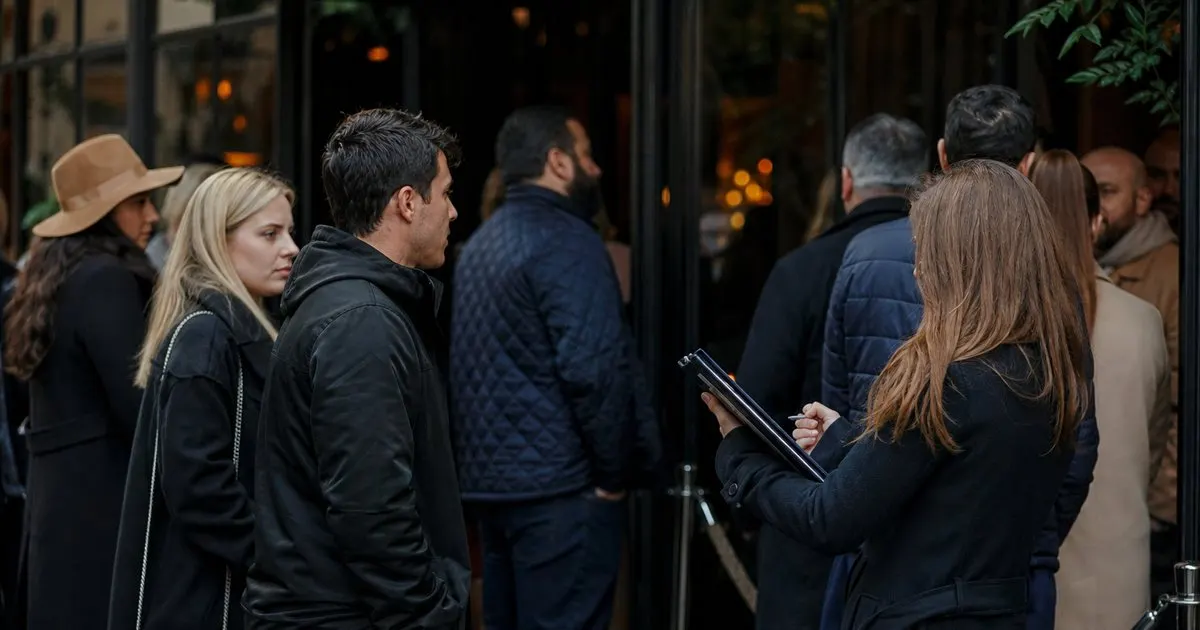
How do you manage a restaurant waitlist during a packed weekend rush?
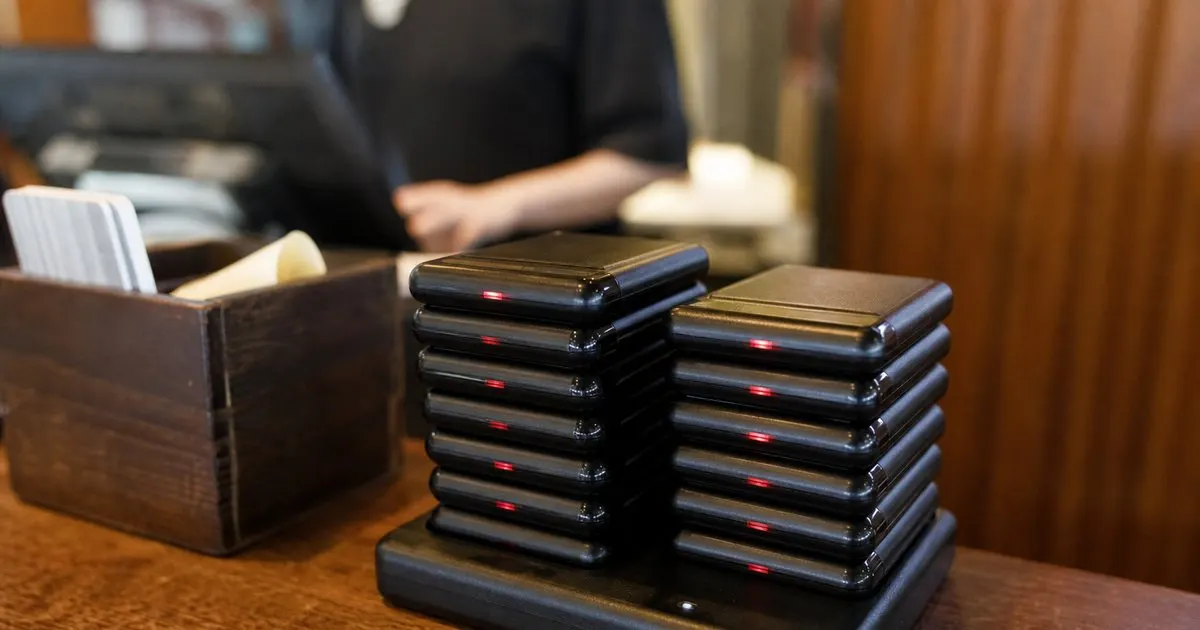
Why should a restaurant ditch physical pager buzzers for guest text paging?
Get the TablePingr playbook
Practical guides on host stand and waitlist, straight to your inbox as we publish them. No spam, unsubscribe any time.